> For the complete documentation index, see [llms.txt](https://uxper.gitbook.io/nuss/llms.txt). Markdown versions of documentation pages are available by appending `.md` to page URLs; this page is available as [Markdown](https://uxper.gitbook.io/nuss/faqs/room-setting-a-persons-price.md).
# Room - Setting a Person's Price
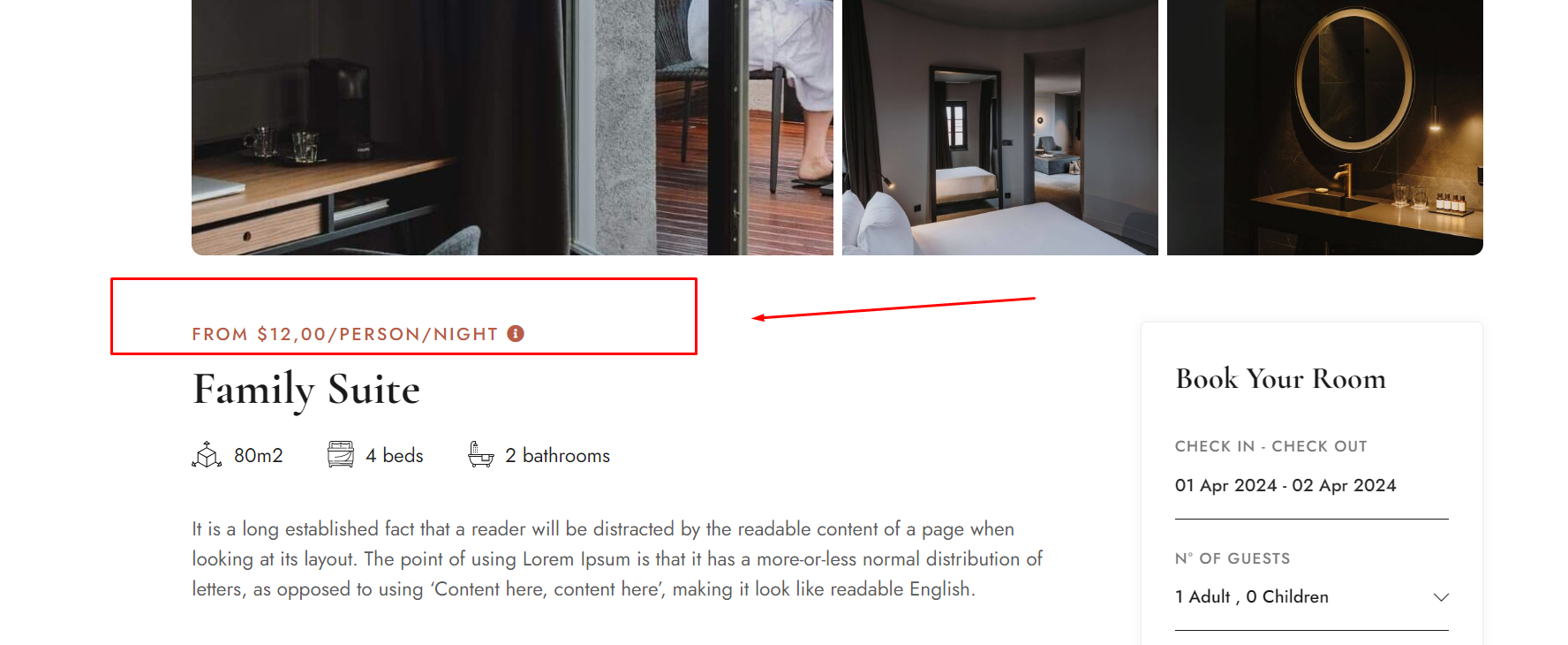
Person Price is set up for those who want to set room rates per person
Here is an example of Person Price on room page
1. On the backend, you go to Room
2\. You click "Add New Room" or " Edit room" and enter your person price based on Room Settings -> Price -> Chose option " SUFFIX PRICE" -> Select " Person".
3. Then enter the person's price in the order of the days of the week you want
{% hint style="info" %}
**Note: *****Price will be prioritized in the order of Season -> Persion Price -> fixed price (when not selecting sesone or person or pernight)***
{% endhint %}